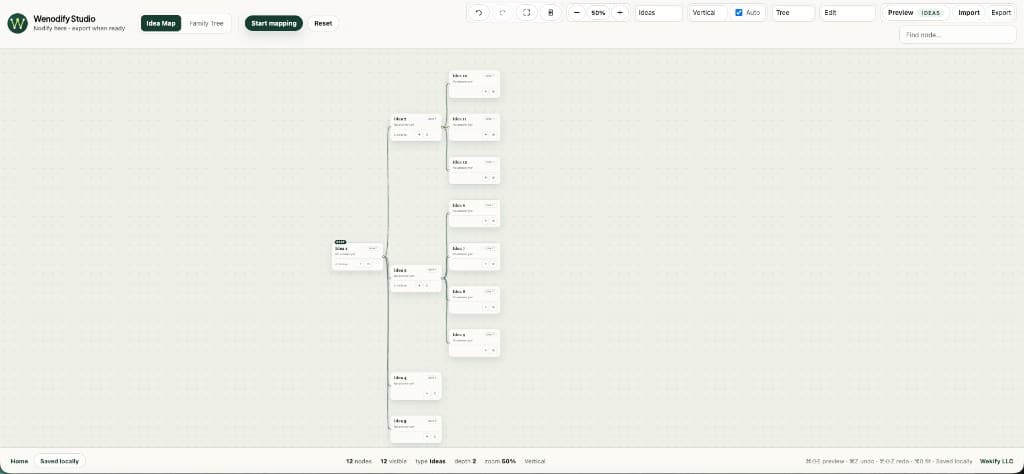
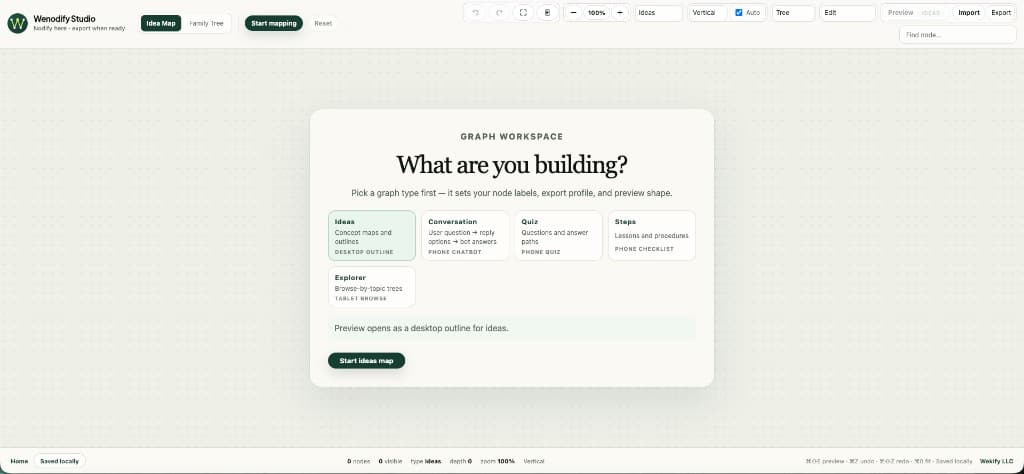
Export is the center of the value. The studio is where you author a mind map or family tree — add nodes, relate them, label them — and export is how that structure reaches preservation databases, lesson apps, and chat experiences.
Idea Map JSON
- Filename: wenodify-{graphType}.json
- Includes graphType, nodes, layout, and viewport.
- Re-import anytime from the Idea Map toolbar.
Idea Map SQL
SQL files open with an export profile comment block: active graph_type, field mapping, loader hints, and row counts. Inserts target wenodify_documents and wenodify_nodes. Downstream code should branch on graph_type — not assume every export is a generic outline.
Family Tree exports
Family Tree adds PNG alongside JSON and SQL. Use PNG for human-readable snapshots; use JSON when you need to edit again in Studio; use SQL when you're loading people and relationships into your stack.
Backup habit
Local storage is convenient, not archival. Export JSON on meaningful milestones so your structure survives browser clears and device changes. The file is yours — open by default.