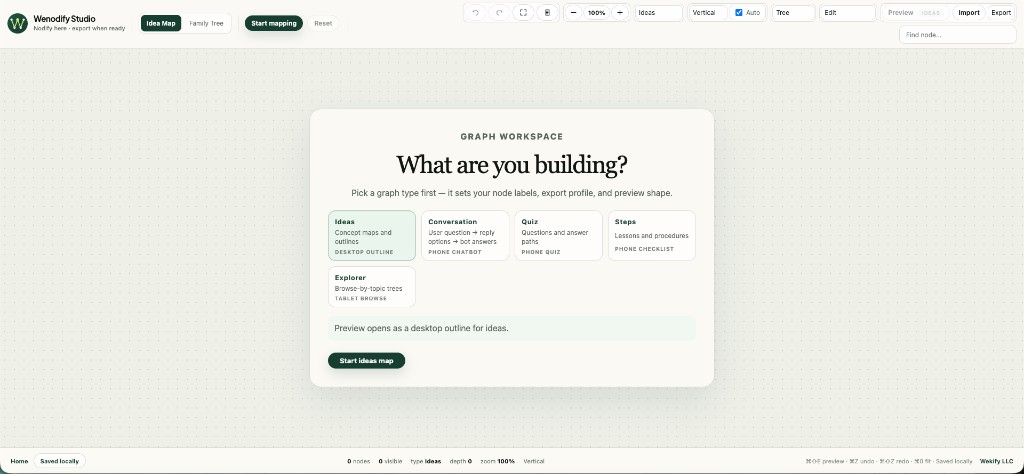
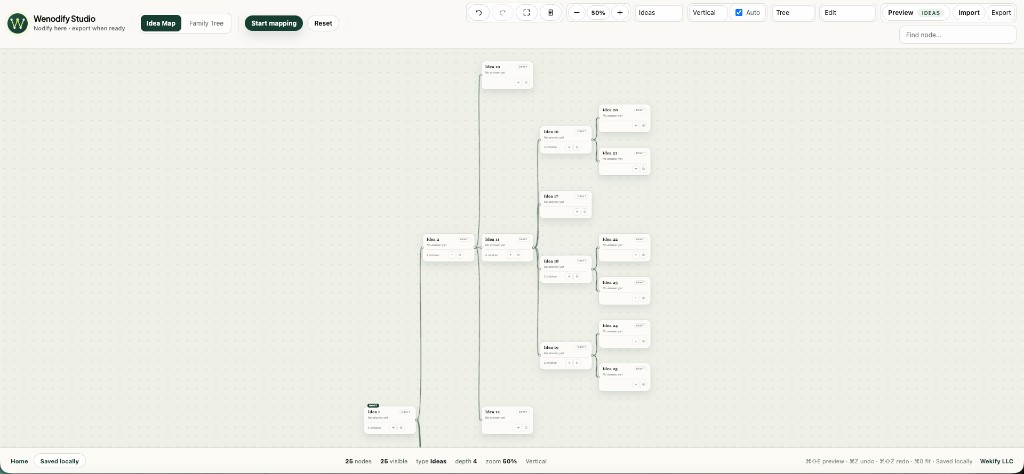
Idea Map is Wenodify's mind map and concept map editor: a root, children, branches, depth, and collapse — the same comfort as a classic mind map, with fields that survive export. You author once on the canvas; the graphType you pick tells downstream systems how to read each node.
Open it at /app/idea-map. Pick a graph type before you start — it sets default node names, preview device, export filename, and SQL export profile.
Wekify uses Idea Map to create Kifuliiru content: spoken conversations, quiz questions, lesson steps, and topic explorers. Export is the handoff into Kifuliiru learning and preservation platforms. The same canvas works for any language or subject.
Pick a graph type first — Ideas, Conversation, Chatbot, Quiz, Steps, Explorer, or Chain of Thought.Canvas
Editing on the canvas
Add and rename nodes
Double-click the canvas or use Add on a selected node.
Double-click a label to rename inline.
Every node has label (title), body (notes), and status (draft, active, archived).
Organize
Drag nodes to reposition within the layout.
Collapse subtrees to hide branches while keeping data.
Search and highlight nodes from the toolbar.
Toggle vertical layout and auto-layout from the command bar.
Use Fit (⌘0) when the tree outgrows the viewport.
Inspector
Open the node inspector (ⓘ on a node) for full label, body, and status editing — useful when the body holds longer copy, quiz choices, or conversation replies.
Undo history
Full undo/redo stack (⌘Z / ⌘⇧Z) so you can experiment without fear. History covers node adds, deletes, edits, and layout changes.
Auto-layout keeps large maps readable — search, collapse, and fit as depth grows.Toolbar
Command bar reference
Control
What it does
Graph type selector
Sets active type (ideas, conversation, chatbot, quiz, steps, explorer)
Vertical / layout
Tree orientation and layout mode
Auto layout
Keeps siblings and columns evenly spaced
Import
Load a previously exported JSON file
Export
JSON round-trip, SQL loader handoff, or PNG snapshot
Find node
Search and jump to a node by label
Export
Handoff from Idea Map
Exports use wenodify-{graphType}.json or .sql. JSON is full round-trip; SQL includes an export profile comment for loaders. Read the full export guide.